


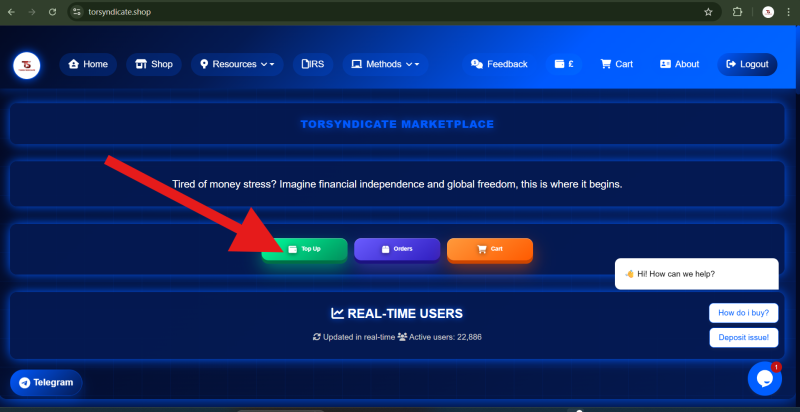

Buying a product on TorSyndicate is simple and takes only a few steps. Follow this guide to successfully place an order.
Step 1: Go to the Shop
- Log in to your TorSyndicate account.
- On the main menu, click Shop.


You will be redirected to the Product Category Page, where different product categories are listed.
Step 2: Choose a Product Category
- Browse through the available categories.
- Select the category you are interested in.
- Click View on that category.

This will take you to the Subcategory Page, where the products under that category are displayed.
Step 3: View Available Products
- On the subcategory page, you will see a list of available products.
- Choose the product you want.
- Click View to open the product page.

Here you will be able to see the different variations of the product and their respective prices.
Step 4: Select a Product Option
- Choose the product variation you want.
- Review the price and details of the selected option.

You will now have two options:
- Add to Cart – to continue shopping and purchase later.
- Buy Now – to proceed directly with the purchase.
Step 5: Receive Your Invoice
After selecting your product and confirming the order:
- An invoice email will be sent to your registered email address.
- The email will include the exact amount you need to pay for the order.
Step 6: Make the Payment
- Check the invoice email sent to you.
- Pay the required amount using the payment instructions provided in the invoice.
Step 7: Payment Confirmation
Once your payment has been received and confirmed:
- You will receive a payment confirmation email.
- This confirms that your payment has been successfully verified.

Step 8: Order Processing & Delivery
After the order has been processed:
- The purchase details will be sent directly to your email address.
- Make sure to check both your inbox and spam folder to ensure you receive the delivery email.

Need Assistance?
If you experience any issues with your order or payment, please contact TorSyndicate support with your order details for quick assistance.