



Adding funds to your TorSyndicate account is quick and simple. Follow the steps below to successfully top up your balance.
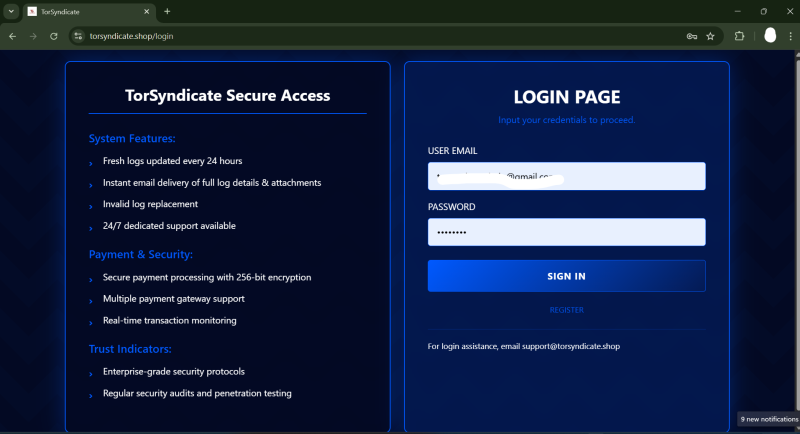
Step 1: Log in to Your Account
Visit the TorSyndicate website.
Click the Login button.
Enter your user email and password.
Click Sign In to access your dashboard.
Once logged in, you will be redirected to your user dashboard.

Step 2: Click the “Top Up” Button
On the dashboard, look for the green button labeled “Top Up.”
Click the Top Up button.
You will be redirected to the payment page.

Step 3: Choose Your Payment Method
On the payment page, you will see the available cryptocurrency payment options.
Choose one of the following:
Bitcoin (BTC)
Tether (USDT)
ETH
Click on your preferred payment method to continue.

Step 4: Send the Payment
After selecting your payment method:
A wallet address (or QR code) will be displayed.
Copy the wallet address carefully.
Open your crypto wallet or exchange.
Send the exact amount of cryptocurrency to the provided address.
⚠️ Important:
Always double-check the wallet address before sending funds.
Send the correct cryptocurrency for the selected payment method.
Step 5: Wait for Blockchain Confirmation
After sending the payment:
The transaction will need to be confirmed on the blockchain.
This usually takes a few minutes depending on the network.
Once the payment is confirmed, the funds will be automatically credited to your TorSyndicate account balance.
Step 6: Verify Your Balance
Return to your dashboard and check your account balance to confirm that the top-up was successful.
Need Help?
If your payment has been sent but your balance has not updated after confirmation, please contact TorSyndicate support with your transaction ID (TXID) for assistance.


